Basic Authentication for Endpoints in Nimbuz

Nimbuz makes it easy to secure your application endpoints using Basic Authentication. This feature allows you to protect your application with a simple username and password before granting access.
Where to Find Authentication Settings
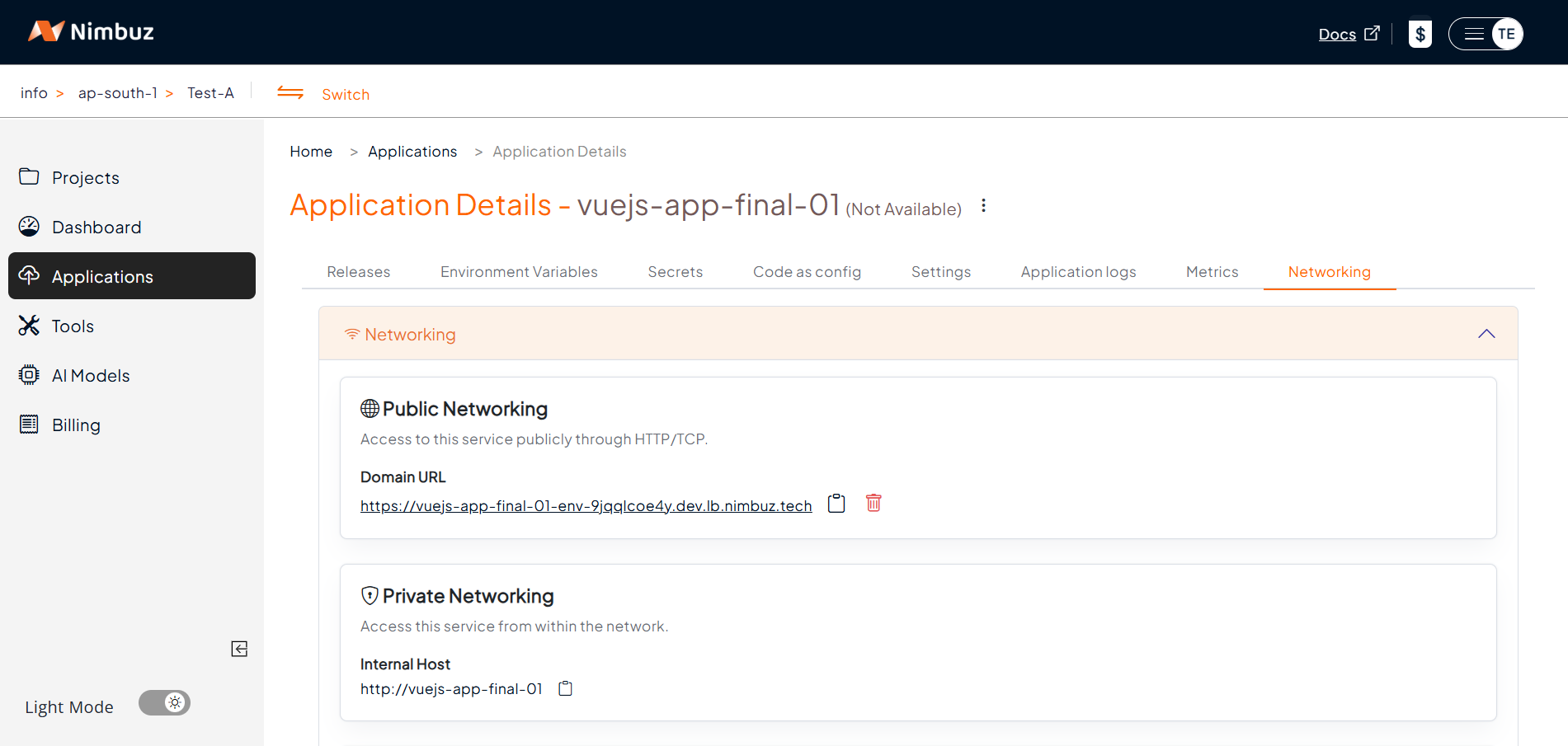
- Navigate to Applications
- Select your running application
- Go to the Networking tab
- Scroll down to the Authentication section
Steps to Enable Basic Authentication
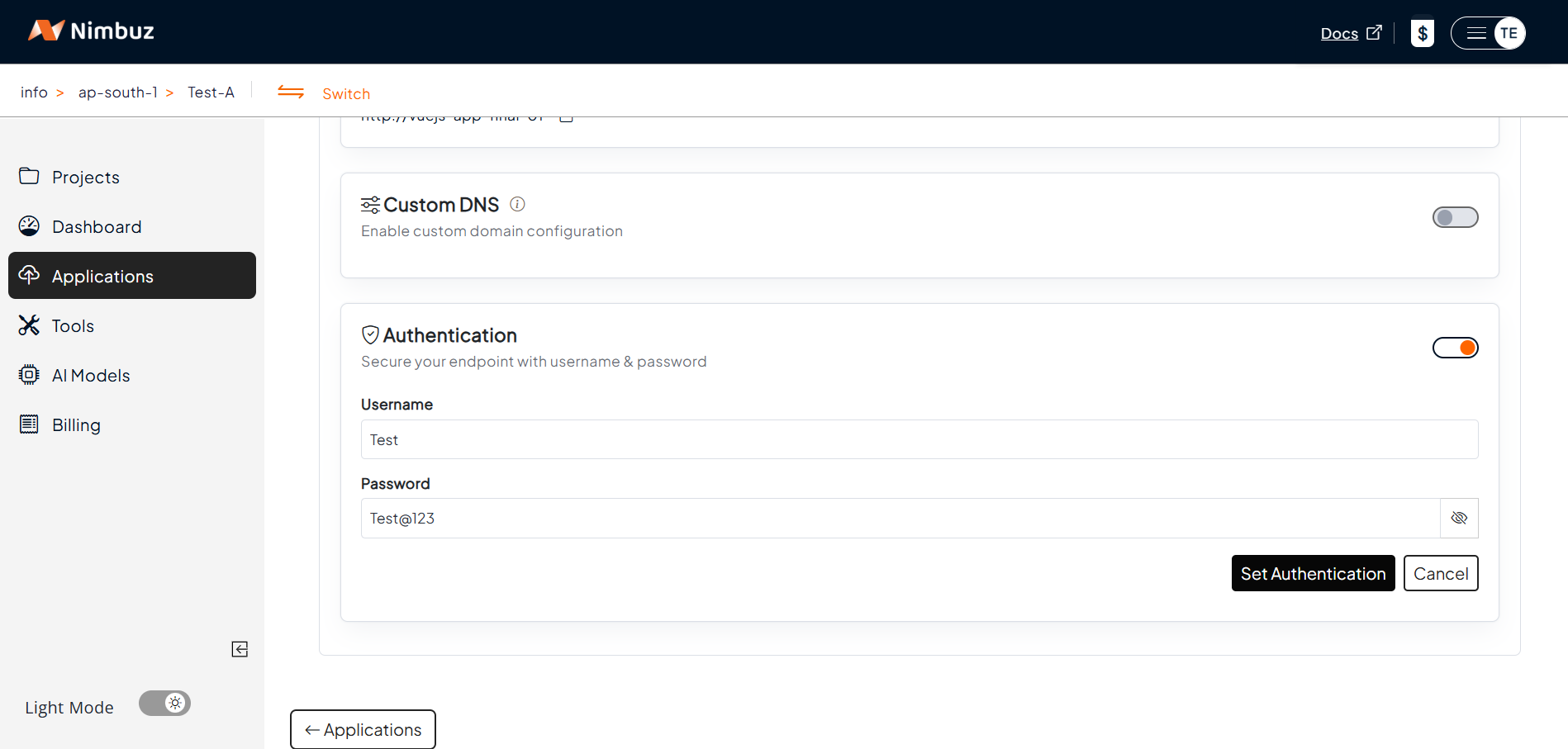
- Enable Authentication Toggle
- Turn on the Authentication switch to activate protection
- Enter Credentials
- Provide a Username (e.g., Test)
- Enter a secure Password
- Apply Settings
- Click “Set Authentication”
- Your application is now protected
What Happens After Enabling?
Once enabled:
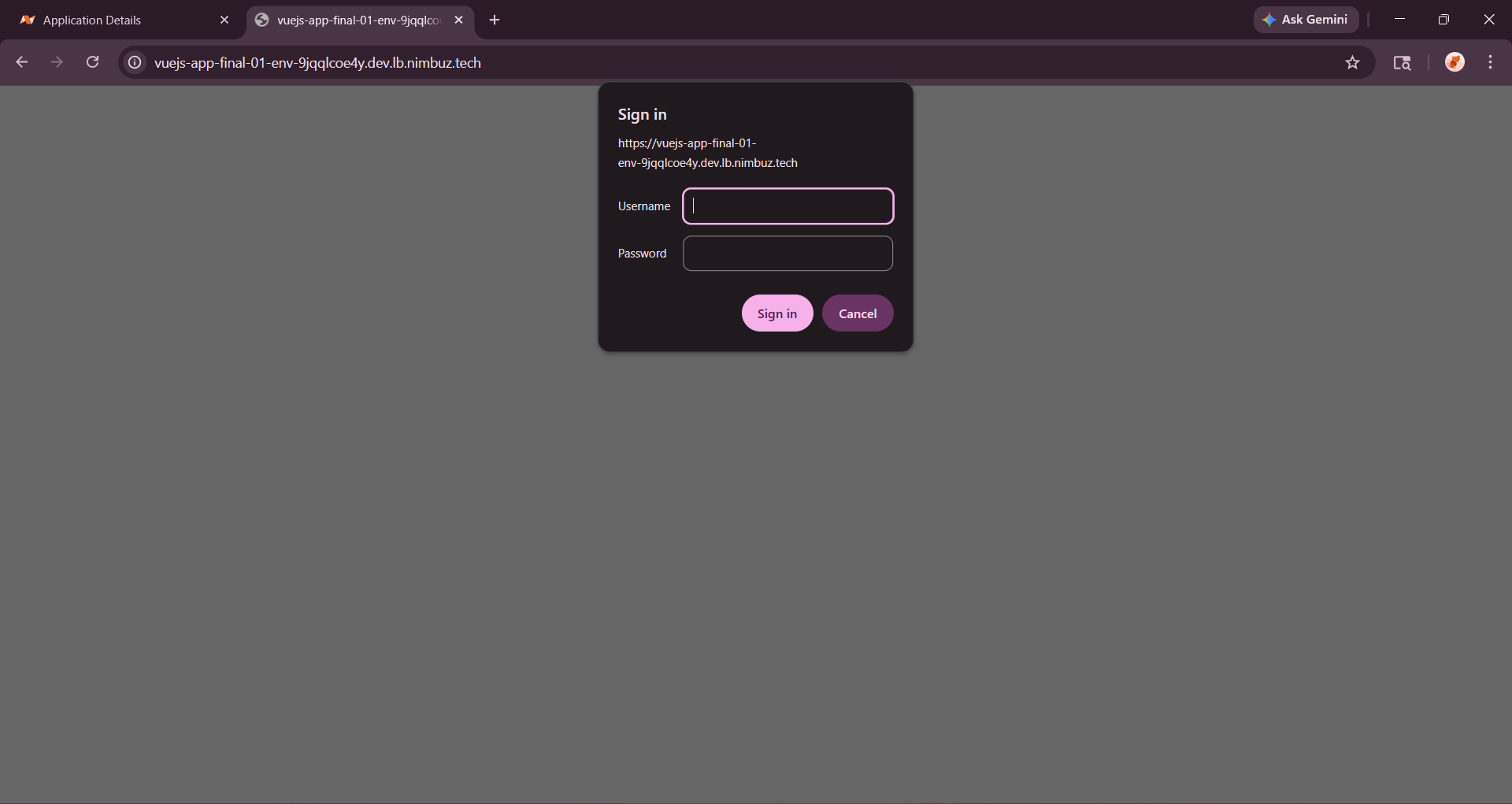
- Any user accessing your application URL will be prompted for credentials
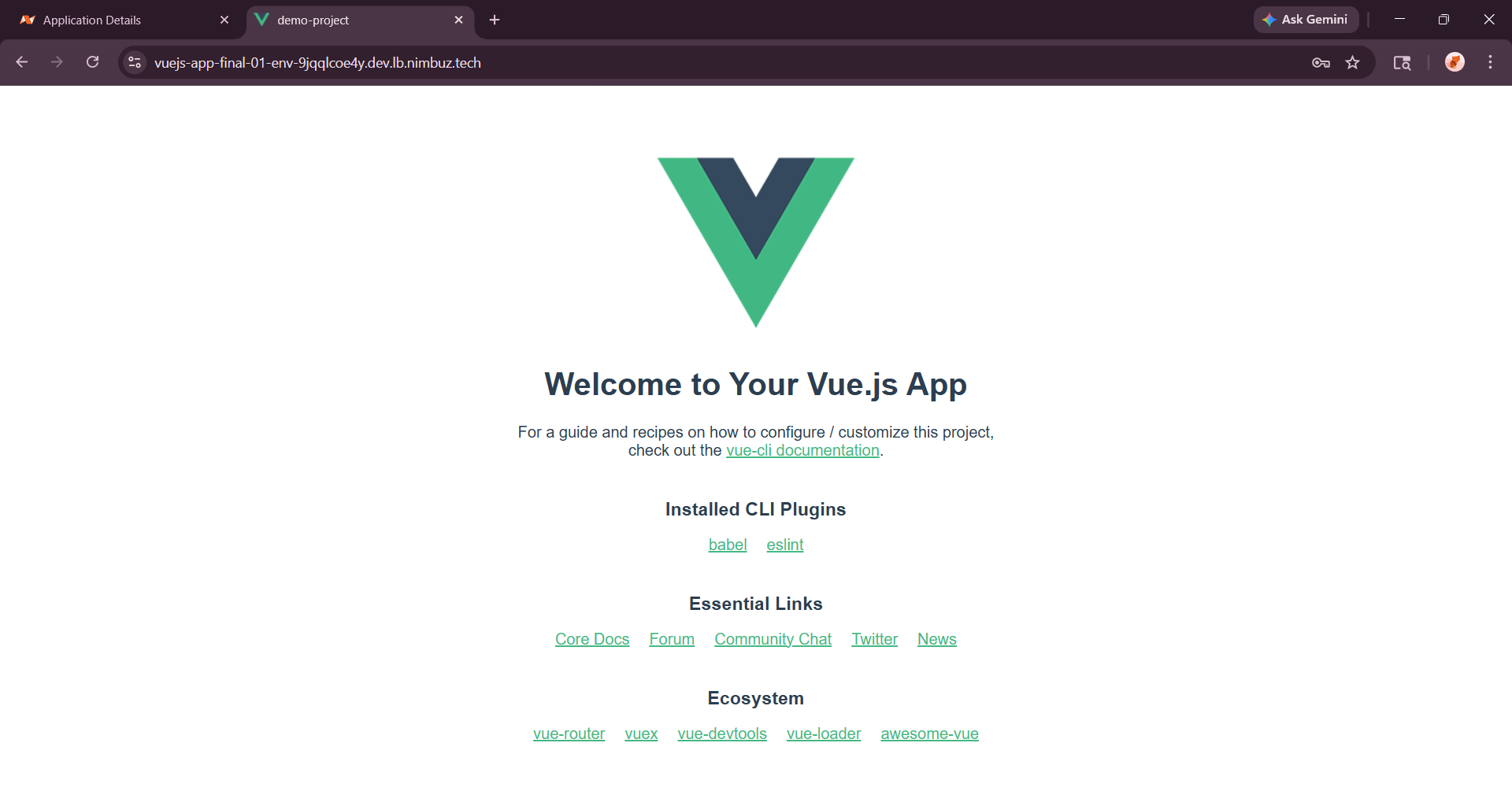
- Only users with the correct username and password can proceed
- Unauthorized users will be blocked
Conclusion
With just a few clicks in the Networking tab, Nimbuz allows you to quickly secure your application using Basic Authentication. It's a simple and effective way to control access, especially during development and testing phases.